EN
🎫Events
Features
💬Mega ConnectMeet people at events 💼Business NetworkingLinkedIn-style at events 💕Mega DatingMatch before you arrive 🚘Five Star ChauffeurMercedes, Escalade, Sprinter 🔐Anti-Fraud QRRotates every 30 seconds 📋Guest ListVIP, staff, sponsors, press 📱StoriesInstagram-style for events 💰Lowest Fees (2%)Cheaper than all competitors 📅Payment PlansWeekly installments for fans 📊Compare PlatformsSee how we stack up
For Organizers
🎯Why Mega TicketsOverview for organizers 💲Pricing & PlansFree, Pro, Enterprise 📖Organizer GuideStep-by-step tutorial ⚙️Dashboard & AnalyticsReal-time insights 🚐Artist TransportStaff & VIP rides
Resources
🎬How It WorksSee the platform in action 📱Customer GuideBuy tickets, match, ride FAQCommon questions answered 📝BlogTips, news & updates 🛡️Security35+ layers of protection
Company
🏢About UsOur mission & team 📈InvestorsGrowth & opportunity 🤝PartnersWork with us 📰PressMedia kit & coverage 🚀CareersJoin the team ✉️ContactGet in touch
Event Stories

Promote Events. Drive Discovery. Open the Path to Tickets.

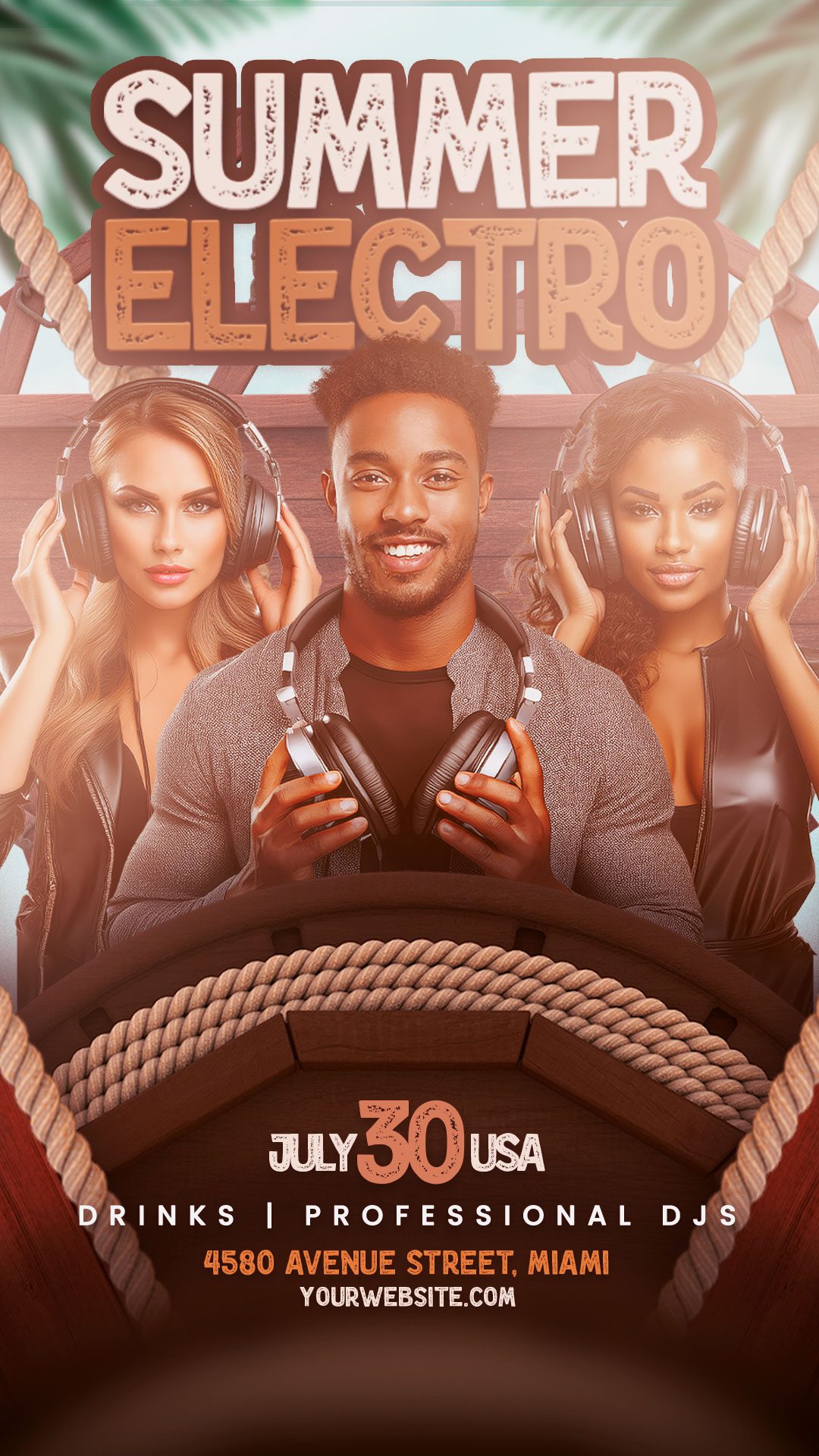
Mega Tickets Stories help organizers promote events through full-screen vertical content connected to event pages, ticket options, and the checkout flow — turning event discovery into a direct path to action when supported.

Event Promotion Tap to Tickets Organizer-Led Discovery to Checkout Trending Events Vertical Format

Story availability, ticket promotion paths, posting tools, visibility, moderation, and engagement features may vary by event, organizer setup, ticket configuration, and platform terms.
The Old Way

Event Promotion Often Gets Fragmented

Organizers often share event content across multiple platforms, posts, links, and messages. Without a connected event experience, it can be harder for people to move from interest to discovery, ticketing, and attendance.

Static Posts Fade Quickly

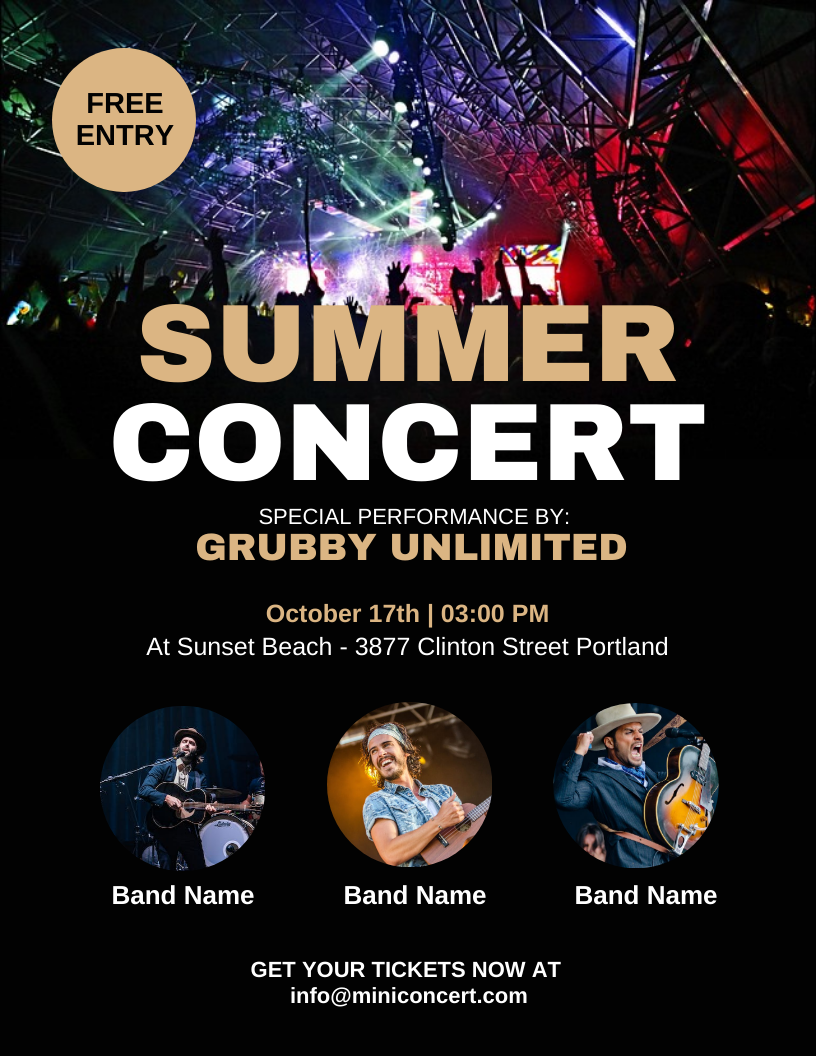
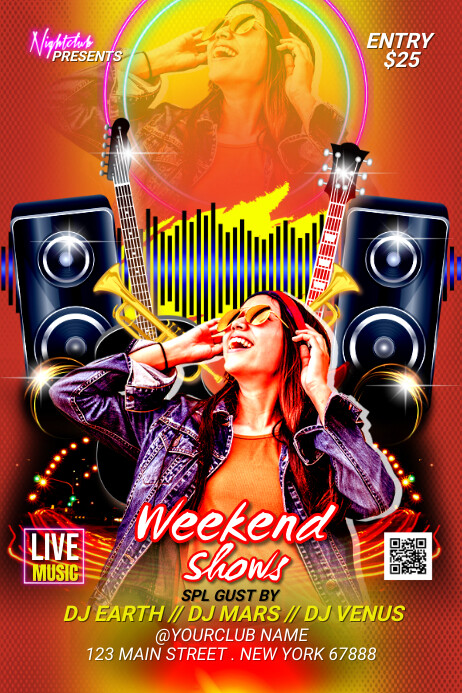
Flyers and one-time posts can lose visibility as feeds move fast and audiences shift attention.

Performance depends on platform, timing, audience, and content quality.

Too Many Steps to the Event

When people have to jump from a post to a bio link, then to another page, the experience can feel disconnected.

Conversion flow depends on event setup and user behavior.

Limited Event Context

Social posts may not always show the full event experience, organizer details, ticket options, or related updates in one place.

Available context depends on the content and platform used.

Scattered Promotion Channels

Event updates may live across Instagram, TikTok, email, texts, websites, and group chats, making it harder to keep the experience connected.

Audience reach and engagement vary by channel.

Story Format

From Event Story to Ticket Page in One Tap

Stories give organizers a full-screen vertical surface to promote events, and give attendees a direct path from event preview to ticket details inside the Mega Tickets ecosystem when supported.

Story Format

Mobile-First Event Stories

Vertical format · Swipe navigation · Event-connected actions when supported

A More Connected Way to Promote Events

Instead of sending audiences across disconnected posts, links, and platforms, Mega Tickets Stories can help connect event content directly to event pages, ticket options, organizer profiles, and the checkout flow when supported.

  • Immersive mobile-first content

    Designed for vertical viewing and quick event discovery.

  • Event-connected actions

    Stories may connect to event pages, ticket options, organizer profiles, or related experiences when supported.

  • Context beyond a single post

    Use stories to show highlights, updates, behind-the-scenes moments, or event culture in a more visual format.

How Stories Work

From Event Moments to Event Discovery

Stories can help attendees, fans, and organizers explore event-related content before, during, and after the experience when story features are enabled.

01

Explore Event Moments

Browse social-style story content connected to events, organizers, venues, fan moments, or behind-the-scenes updates when available.

Story availability may vary by event and platform configuration.

02

Watch Highlights and Updates

Stories may include event previews, organizer updates, fan content, artist moments, venue highlights, or culture-driven content around the event.

Posting tools, visibility, and moderation may vary.

03

Connect Back to the Event

When supported, story content can help people discover event pages, learn more about organizers, or continue exploring related experiences.

Available actions depend on event setup, account status, and platform tools.

Features

Tools That Help Stories Support Event Discovery

Mega Tickets Stories can help organizers share visual content, connect viewers to event actions, and support a more complete event discovery experience when features are enabled.

Event-Connected CTA

Stories may include event-connected actions such as viewing event details, exploring ticket options, or opening related event experiences when supported.

Available actions depend on event setup and platform configuration.

Story Insights

Organizers may be able to review story activity such as views, taps, interactions, or related engagement signals when analytics tools are available.

Insight availability depends on tracking configuration and supported data.

Scheduled Story Flow

Story content can be organized around event timing, announcements, previews, and updates when scheduling tools are available.

Scheduling behavior depends on platform tools and organizer setup.

Templates and Branding

Reusable layouts and brand elements can help organizers create more consistent event-story content when design tools are enabled.

Template availability may vary by event type and platform configuration.

Audience Notifications

When supported, followers or interested users may receive event-related updates based on account settings and notification permissions.

Delivery depends on user permissions, device settings, platform rules, and notification configuration.

Location-Aware Discovery

Stories may support location-aware discovery signals to help connect relevant event content with nearby or interested audiences when enabled.

Visibility depends on location permissions, event setup, audience activity, and platform configuration.

Comparison

A More Connected Layer for Event Discovery

Social platforms are useful for awareness. Mega Tickets Stories is designed to connect event-related content more closely with event pages, organizer profiles, ticket discovery, and related experiences when supported.

Event Discovery Feature Mega Stories Standard Social Posts External Link Campaigns
Connected to event pages When supported Usually separate Requires link flow
Organizer context Can be connected Limited by post format Depends on landing page
Ticket discovery path May connect to ticket options Usually requires bio/link action Depends on link setup
Story activity insights When analytics are enabled Depends on platform tools Depends on tracking setup
Event-related audience signals May use platform signals Depends on platform algorithm Depends on campaign targeting
Publishing cost May vary by plan or feature Depends on platform/account Depends on tools or ads

The Numbers

86%

Of users watch stories to the end

3x

Higher engagement than feed posts

1 tap

From story to ticket purchase

60s

To create and publish a story

Organizer Ecosystem

Stories Can Live Inside the Event Workflow

When enabled, Event Stories can connect with organizer tools such as event creation, ticket discovery, guest access, and activity insights — helping event content stay closer to the event experience.

Create Events Sell Tickets Guest List Event Stories Analytics

Tool availability may vary by account type, event setup, app version, organizer permissions, and platform configuration.

Stop Losing Sales to "Link in Bio"

Download Mega Tickets. Create your event. Publish stories that actually sell tickets — not just likes.

For Organizers

Ready to Sell Tickets With the Lowest Fees?

Create your organizer account in 30 seconds. No credit card. No commitment. Start with the Free plan and upgrade when you're ready.

Create Free Account See All Features

Free plan includes: 1 active event, 100 tickets, QR check-in, basic analytics